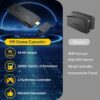
Description
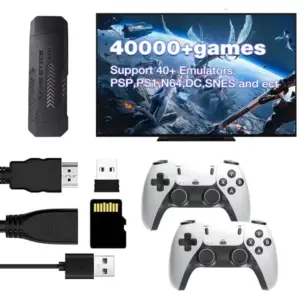
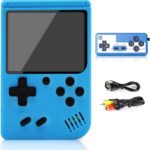
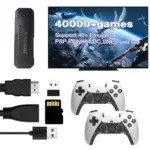
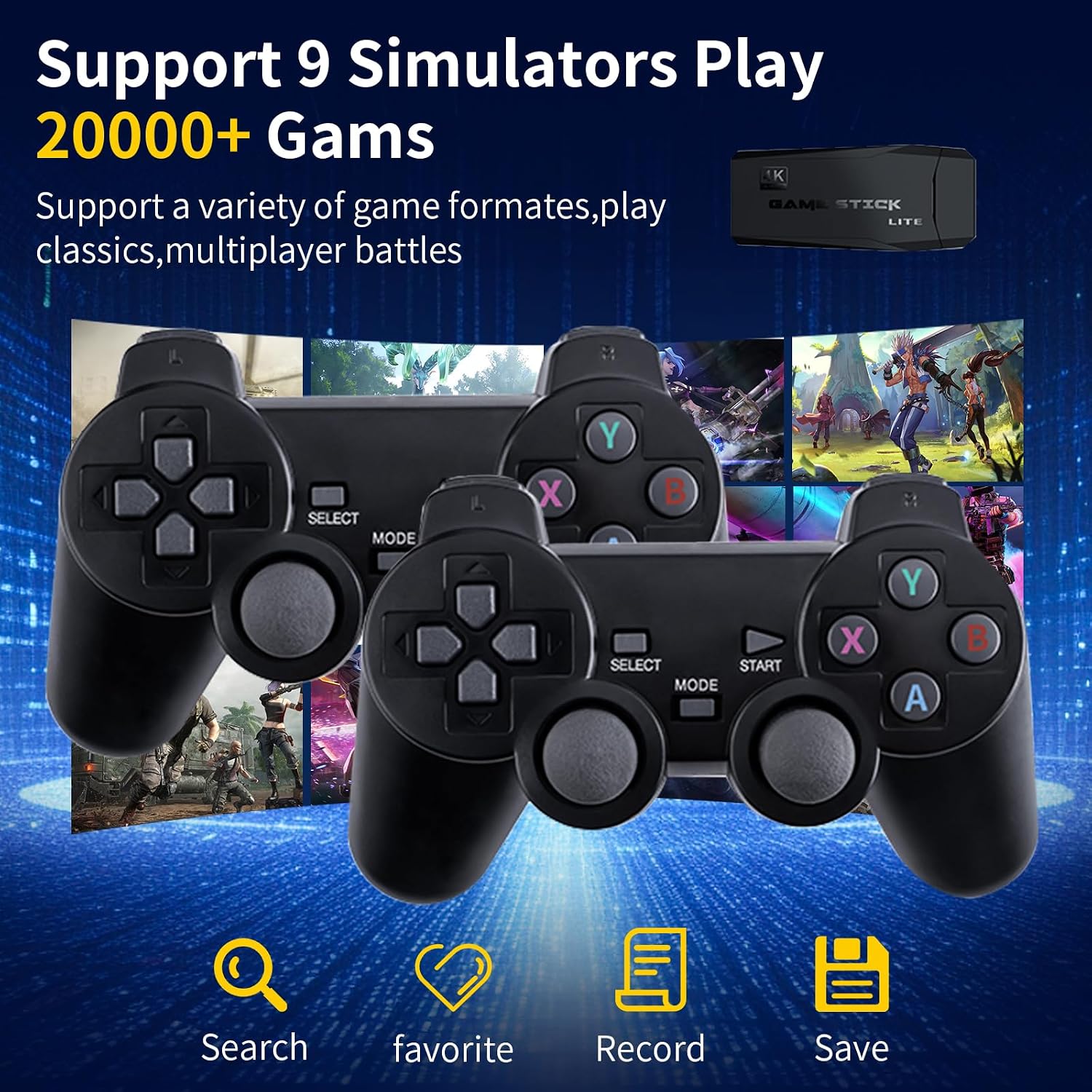
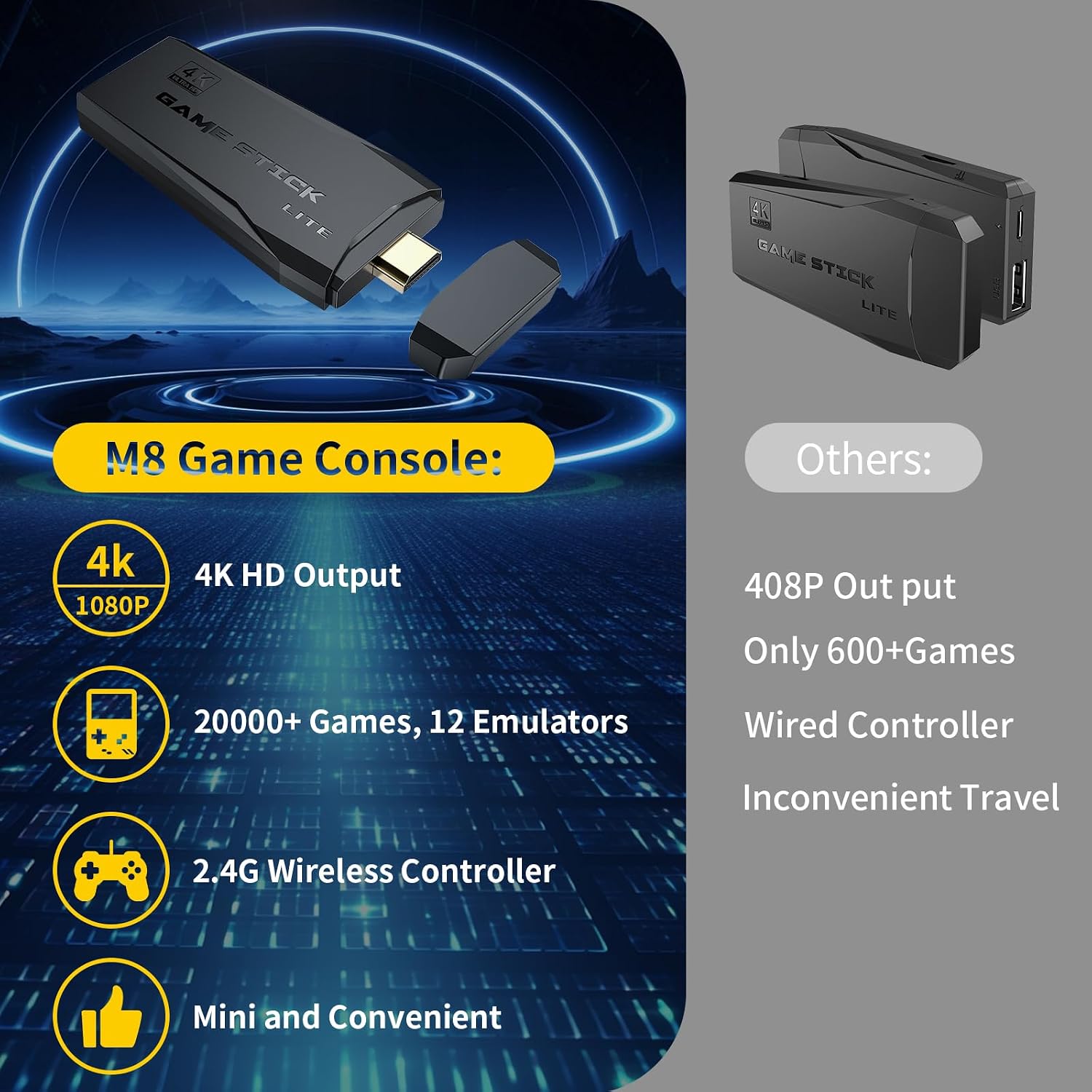
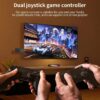
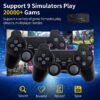
- Retro Gaming Experience: Enjoy a large collection of classic games through multiple retro gaming emulators. The console supports 20,000+ games and provides an easy way to revisit classic gaming experiences.
- 4K HDMI Output: Connect the game console to a compatible TV through HDMI and enjoy your games on a larger screen.
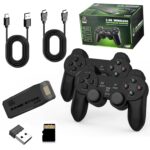
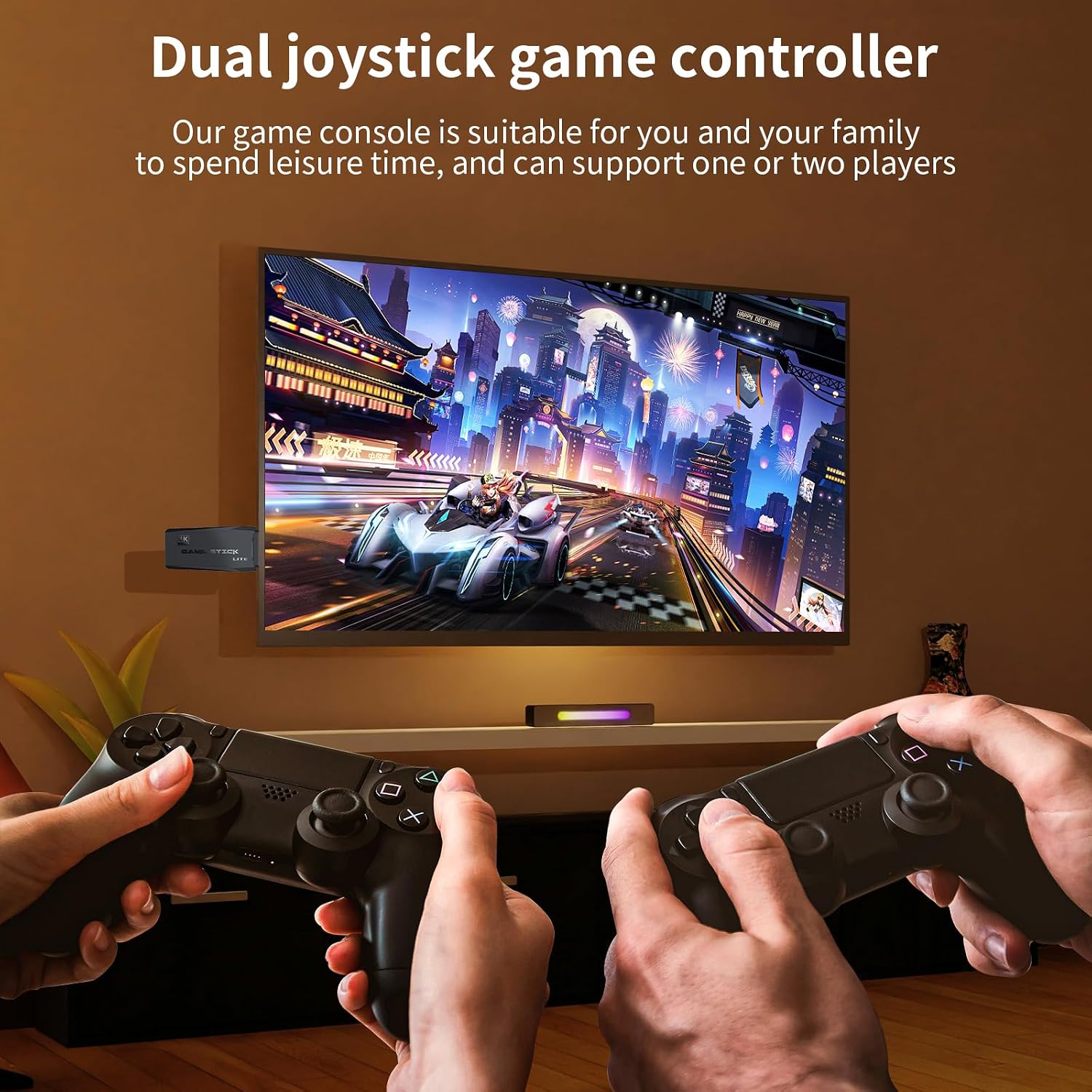
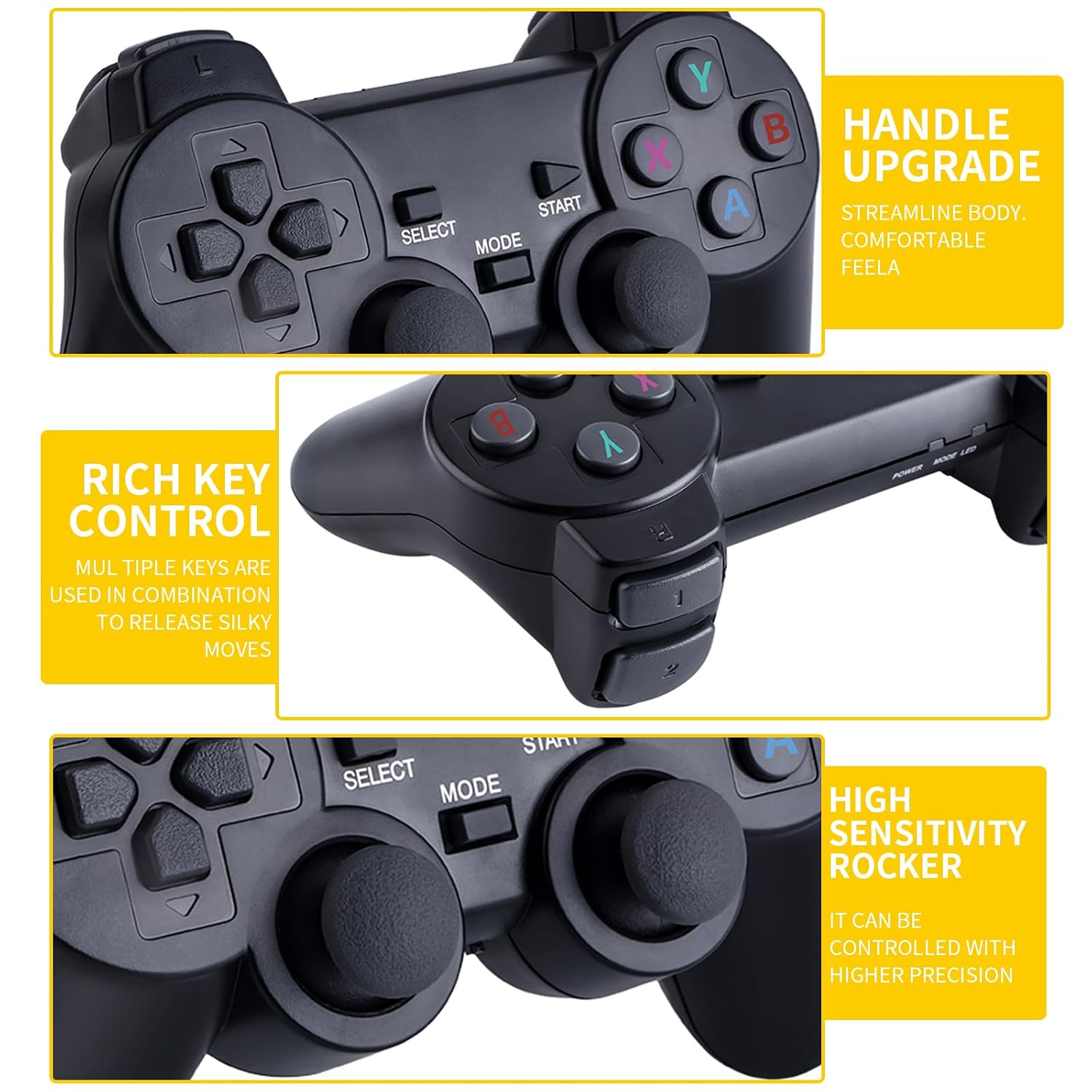
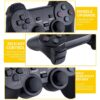
- Wireless Controllers: Includes two 2.4GHz wireless gamepads for convenient multiplayer gaming without the need for controller cables.
- Plug-and-Play Setup: Connect the console to your TV, supply power, connect the included wireless receiver, and start playing your favorite games.
- Large Game Storage: The included 64GB TF memory card stores the game library and is installed in the console’s card slot.
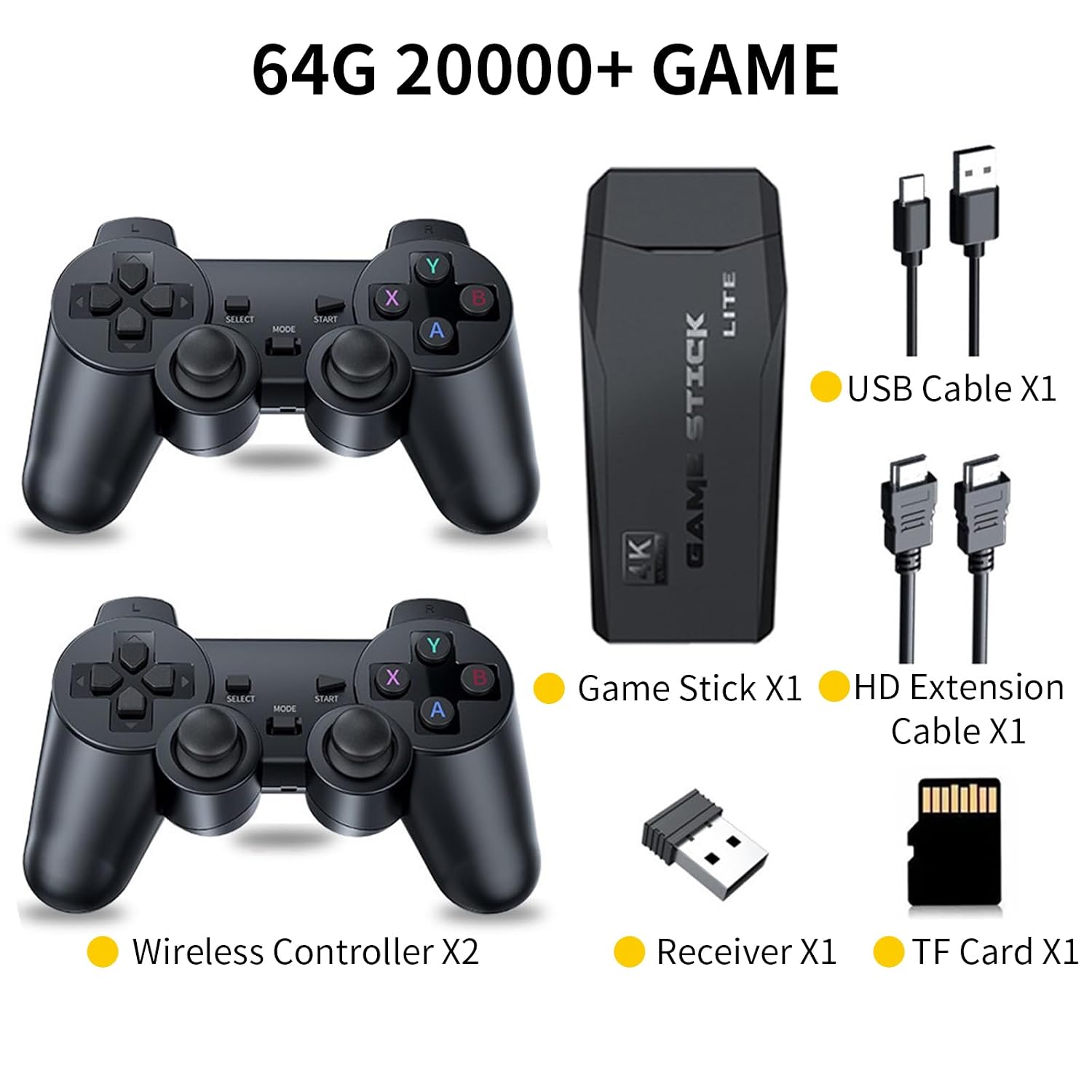
Package Includes
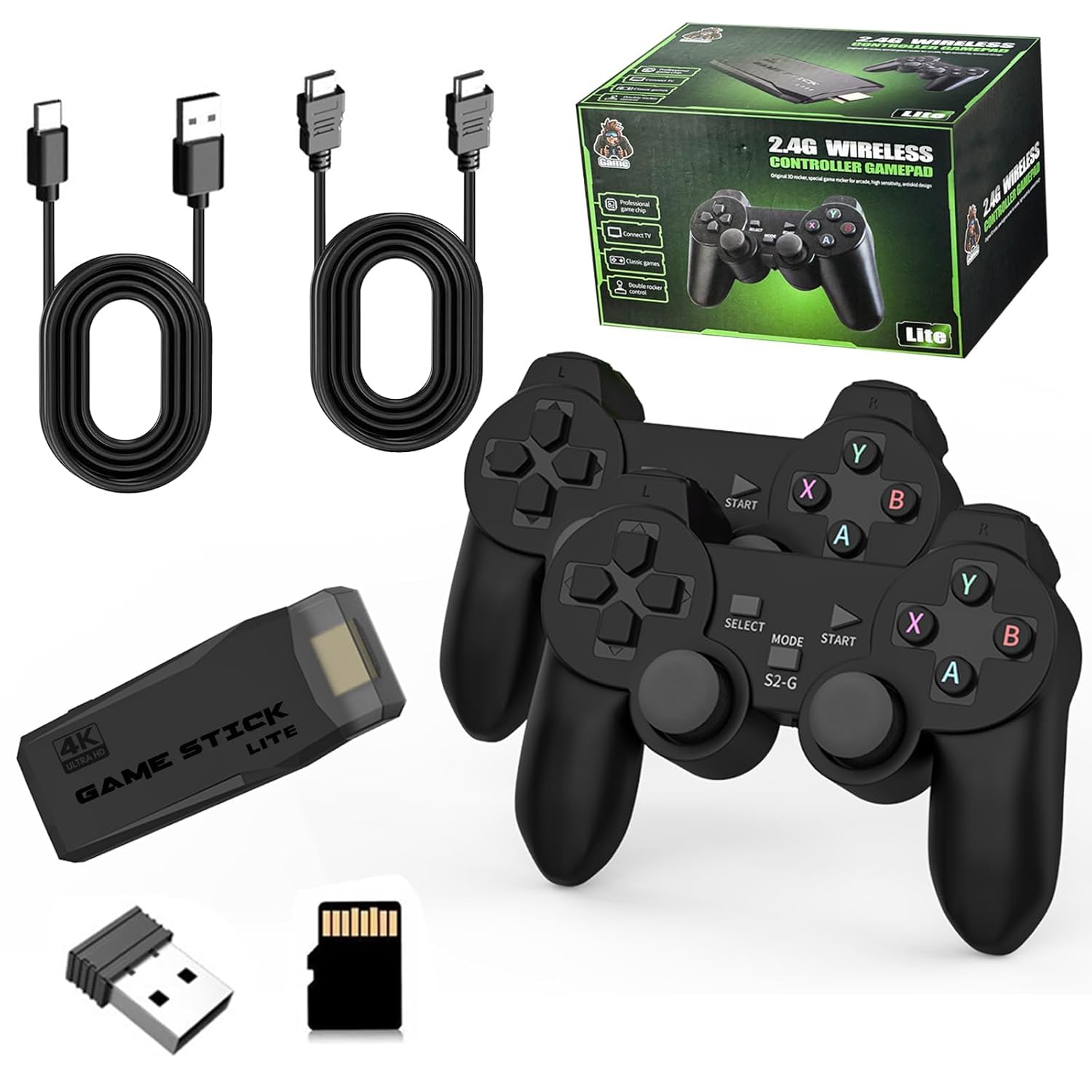
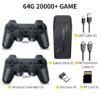
- 1 × Retro Game Console
- 2 × Wireless Gamepads
- 1 × 64GB TF Memory Card
- 1 × USB Receiver
- 1 × Power Cord
- 1 × HDMI-Compatible Extension Cable
- 1 × Color Box
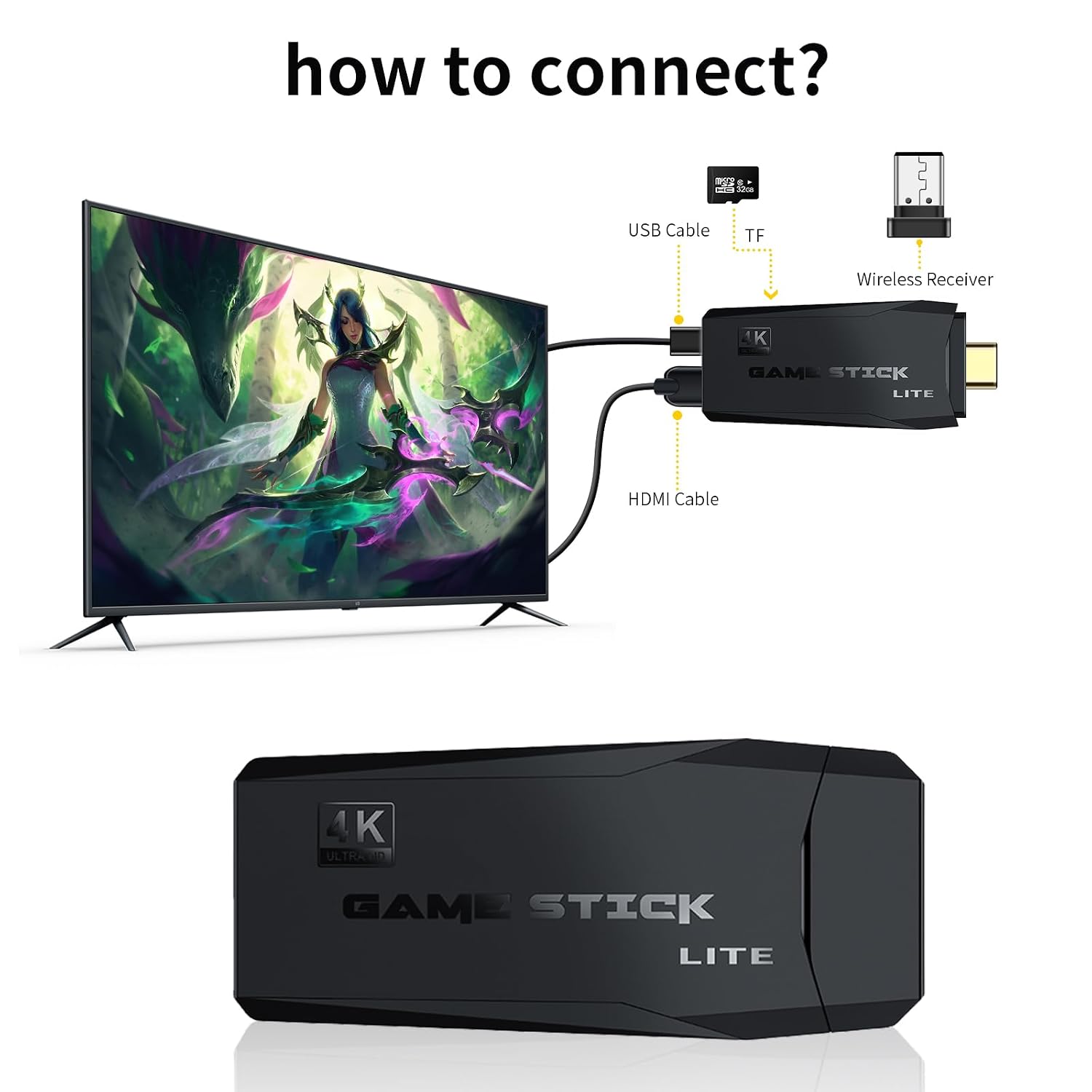
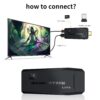
How to Connect to Your TV
- Insert the TF Card: Make sure the included 64GB TF memory card is inserted into the console before connecting the power supply.
- Connect the Power: Plug the power adapter and power cable into the game console.
- Connect to HDMI: Plug the console into an available HDMI port on your compatible TV.
- Power On: Connect the power supply and turn on the console to begin gaming.
Important Notes
- Do not format the included TF memory card, as the game library is stored on the card.
- The TF memory card is pre-installed in the card slot when the product is received.
- The game list can be accessed using the instructions included with the product.
- Most games should launch normally, although some games may experience compatibility issues or fail to start.
- The wireless controllers use 2 AAA batteries each. Batteries are not included and the controllers are not rechargeable.
- When a controller is not in use, its power-saving mechanism may enter sleep mode and turn off the indicator light. Move the switch from off to on again to reactivate it.
- For reliable operation, use a 5V/1A or higher power adapter. Some TV USB ports may not provide sufficient power and can cause lag or improper operation.
Gaming Tips
- If a game displays an “Insert Coin” message, press the Select button to continue.
- Make sure the wireless gamepad switch is turned on and its power indicator is illuminated before playing.