
Description
How to Connect
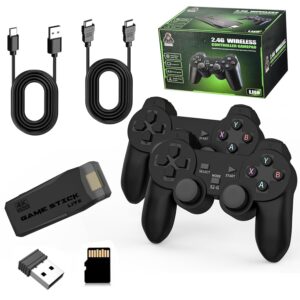
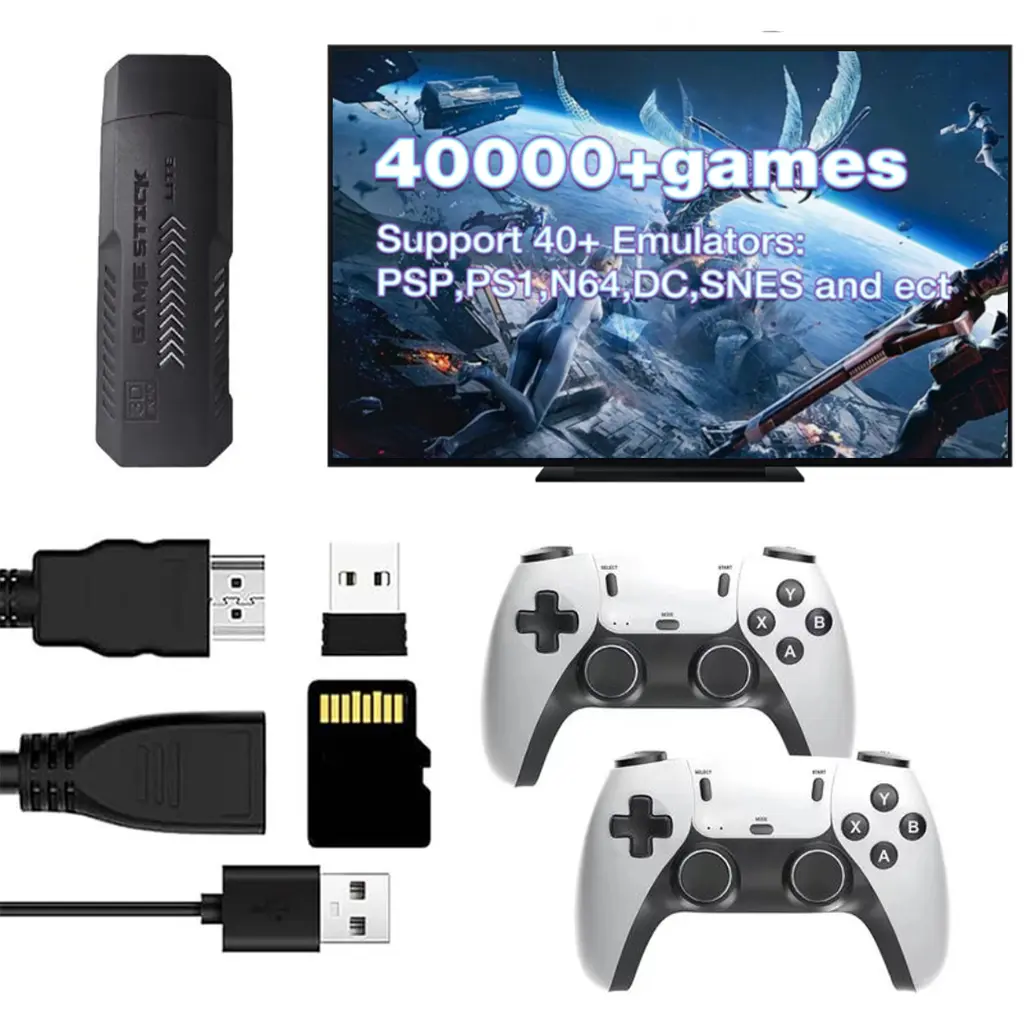
- Connect the Accessories: Insert the controller receiver, HDMI cable, and USB cable into their respective ports on the game stick.
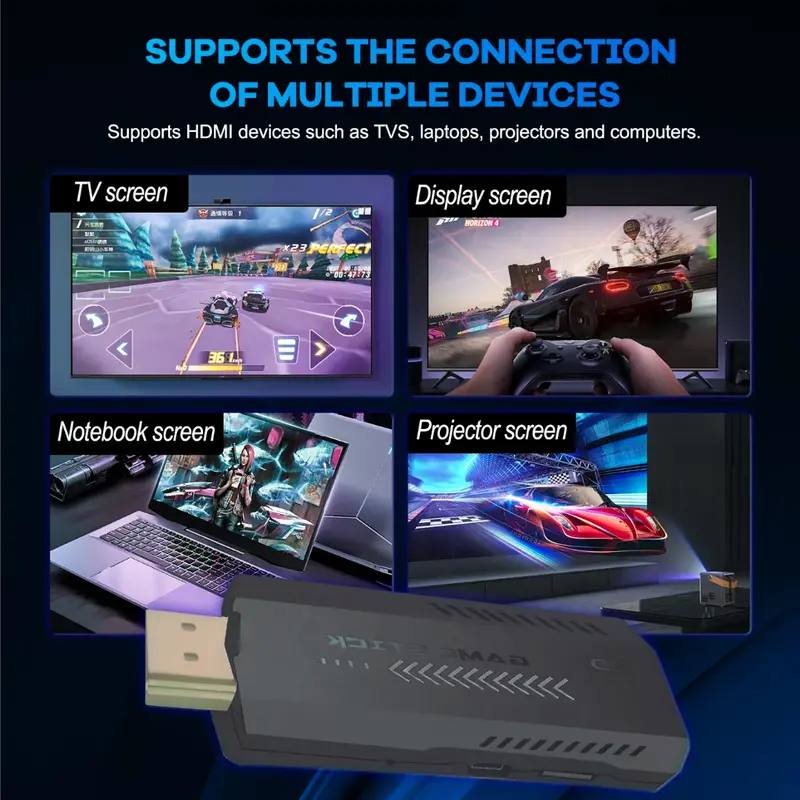
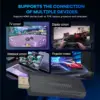
- Connect to the TV: Connect one end of the HDMI cable to the TV’s HDMI port and the other end to the game stick. Connect the USB cable to a USB port on the TV for power.
- Activate the Controllers: Insert batteries into the wireless controllers. The P1 controller will show a red light and the P2 controller will show a green light when successfully connected.
Note: If the controller light continues flashing after powering on, unplug the signal receiver, reconnect it, and restart the controller.

Product Introduction
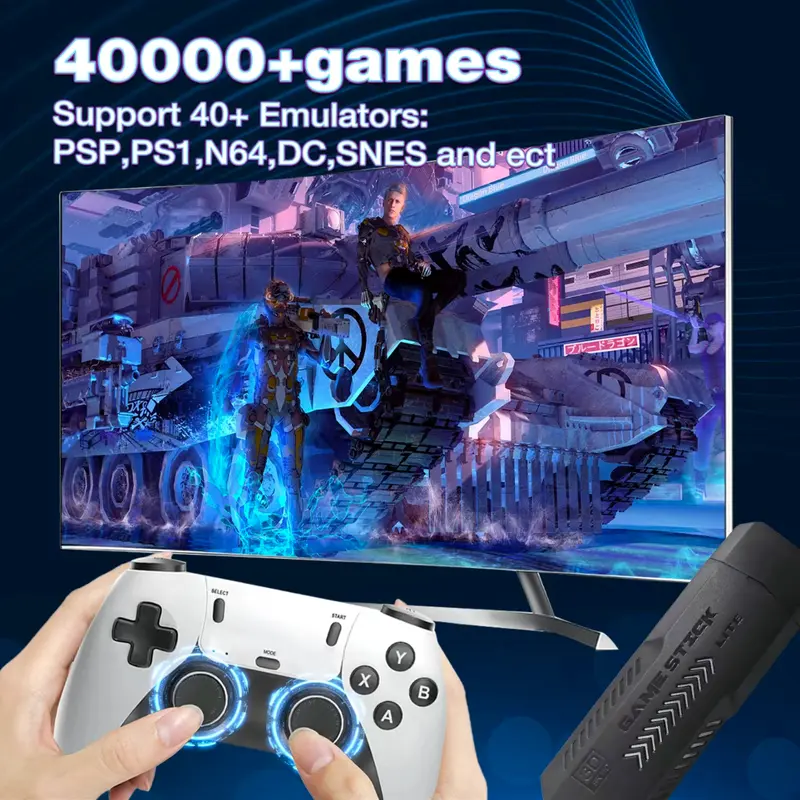
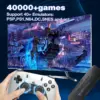
Bring classic arcade entertainment to your living room with this retro game stick, featuring a large collection of classic games in a compact and convenient design. Simply connect it to your TV through HDMI, power it through USB, and enjoy retro gaming with high-definition visuals.
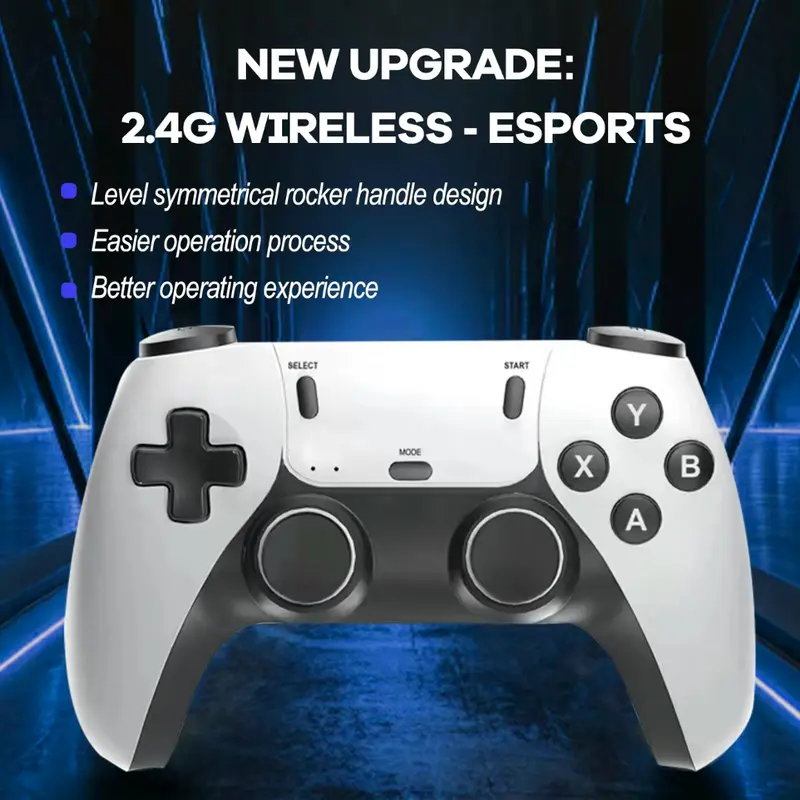
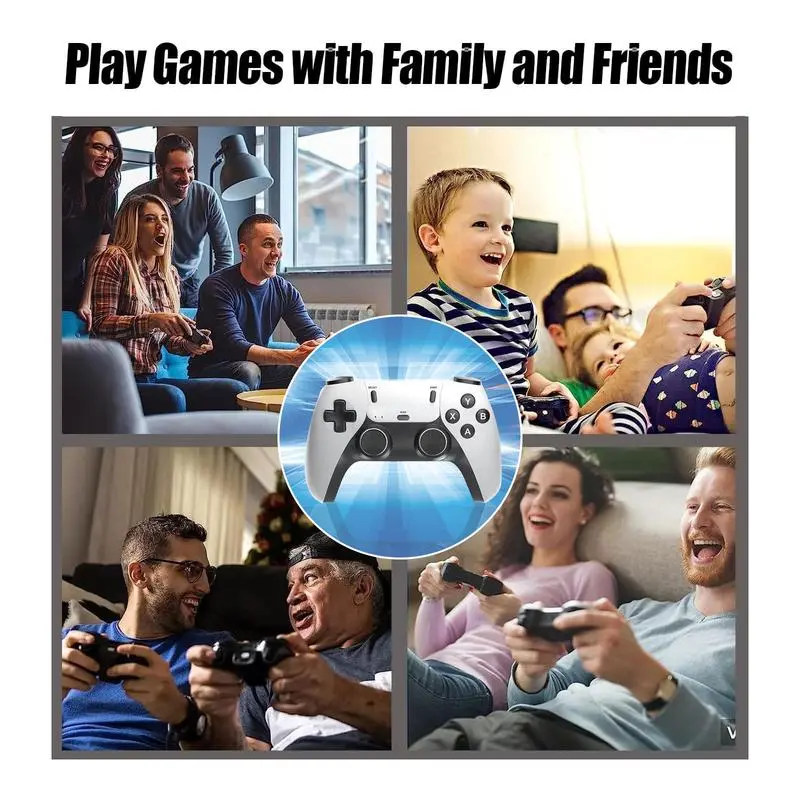
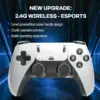
The included dual 2.4G wireless controllers provide a comfortable, cable-free gaming experience for two players. The ergonomic design makes extended gaming sessions more comfortable, while the compact game stick keeps your setup neat and easy to use.
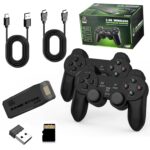
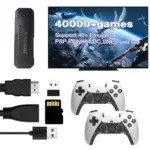
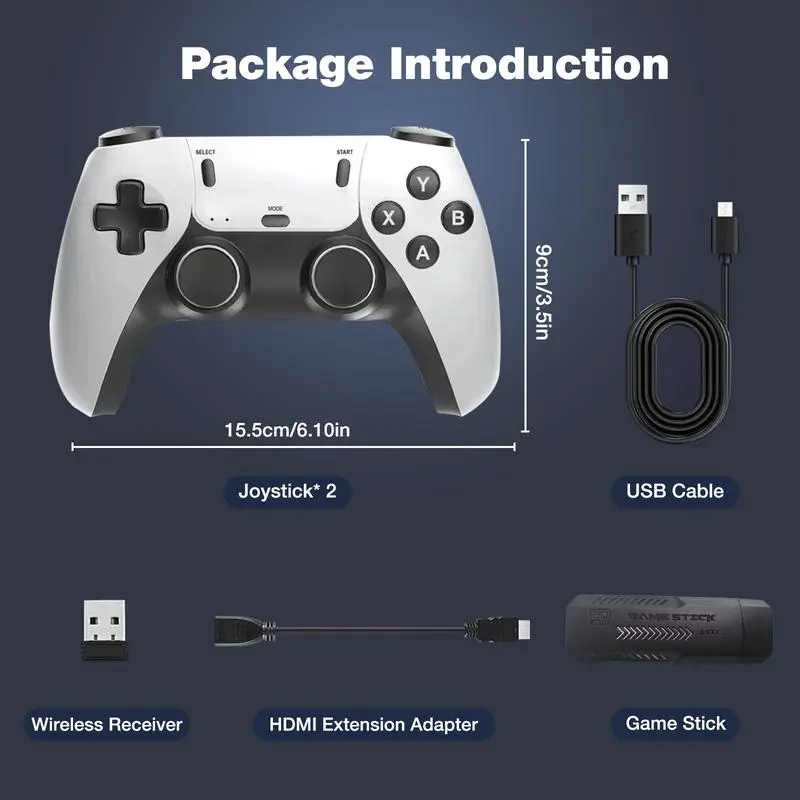
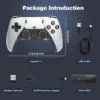
The package includes the game stick, two wireless controllers, an HDMI cable, a USB cable, and a user manual, giving you everything needed to get started.
Frequently Asked Questions
How do I connect the game stick to my TV?
Connect the HDMI cable between the game stick and your TV, then connect the USB cable to a USB port for power.
Are the controllers wireless?
Yes. The included controllers use 2.4G wireless connectivity for cable-free gameplay.
Can two players play together?
Yes. The system supports two-player gaming with the included wireless controllers.
Does the game stick require batteries?
The game stick itself does not require batteries. The wireless controllers require batteries.
Will it work with an HDMI-compatible TV?
Yes. The game stick connects to compatible TVs and displays through an HDMI connection.